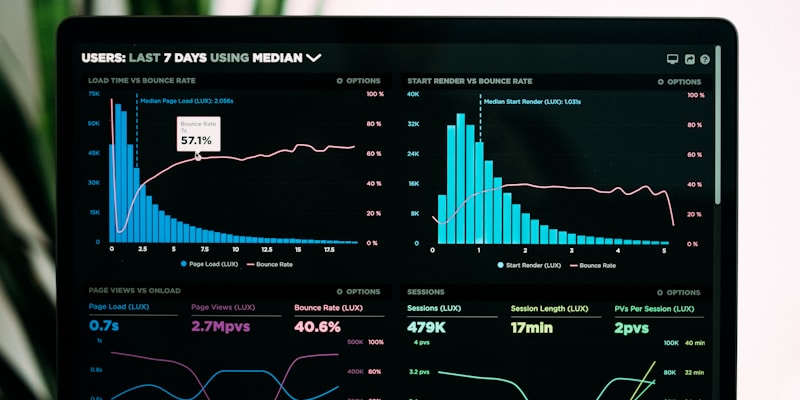
Understanding Amazon's Inbound Shipment Problem Summary Dashboard
Amazon's Inbound Problem Summary dashboard lists every inbound issue from the past 120 days, while downloadable CSV reports extend the view to 365 days. Repeated errors trigger a three‑tier coaching system (Standard, Elevated, Critical), e.g., three labeling errors in 30 days moves a seller to Elevated coaching.
Overview
Amazon’s Inbound Problem Summary dashboard lets sellers see issues that fulfillment centers have flagged on recent shipments. The view covers the last 120 days, while downloadable reports reach back a full year, helping sellers spot trends before they affect inventory flow. Keeping an eye on these alerts is crucial for any FBA business that wants to avoid extra prep work, higher costs, or shipment restrictions.
Key Points
- 120‑day snapshot — The dashboard displays every inbound problem recorded in the past four months, allowing sellers to gauge whether corrective actions are taking effect.
- 365‑day archive — Detailed CSV reports pull a year’s worth of problem data, useful for spotting seasonal spikes or recurring error types.
- Three‑tier coaching — Amazon escalates issues through Standard, Elevated, and Critical levels when the same problem repeats within a problem group.
- Escalation triggers — For example, a labeling error that appears on three separate shipments within 30 days will move a seller from Standard to Elevated coaching.
- Mandatory corrective steps — Each tier adds stricter requirements, such as mandatory polybagging or additional label verification before the next inbound shipment.
- Cost and time impact — Elevated or Critical coaching often forces sellers to spend extra labor hours and purchase additional prep supplies, directly affecting per‑unit margins.
How the Coaching System Works
- Problem detection — Fulfillment center staff scan incoming pallets; if a unit of “Blue Ceramic Mug” lacks the required barcode, the issue is logged under the “Labeling” problem group.
- Issue categorization — The system groups similar errors (e.g., labeling, packaging, missing suffocation warnings) and tracks how often each group occurs for a seller.
- Coaching level assessment — When the same problem group exceeds Amazon’s internal threshold—say, five labeling errors across two weeks—the seller’s coaching status upgrades from Standard to Elevated.
Analysis & Recommendations
Why This Matters
Elevated or Critical coaching adds mandatory prep steps such as polybagging or extra label verification, increasing labor and supply costs and potentially capping shipments. Monitoring the dashboard weekly lets sellers avoid these extra expenses and keep inventory velocity steady.
Key Takeaways
- Dashboard shows inbound problems for the last 120 days; CSV reports provide a full 365‑day archive.
- Coaching tiers (Standard, Elevated, Critical) are auto‑escalated when the same problem repeats, e.g., three labeling errors within 30 days triggers...
- Elevated coaching can require mandatory polybagging, extra label checks, and may impose shipment caps.
- Weekly dashboard checks and monthly CSV downloads help identify seasonal spikes, like labeling errors every October.
Recommended Actions
- →Log into Seller Central > Performance > Inbound Performance > Problem Summary dashboard weekly to review new alerts.
- →Download the 365‑day Inbound Problems CSV from Seller Central > Reports > Fulfillment > Inbound Problems each month and analyze repeat issues.
- →When an issue appears, follow the corrective steps listed in the dashboard (e.g., add missing barcodes, use 2‑mil polybags) and submit the remediat...
Comments
Join the discussion
Log in or create an account to share your thoughts on this update.
No comments yet. Be the first to share your thoughts!